
Pet Health Records
Pet Medical Summary for an Emergency Vet: What to Include
When an unfamiliar veterinarian needs to make decisions quickly, a concise medical summary can turn scattered records and uncertain memories into usable context.
The short answer
- A useful pet medical summary identifies the pet and owner, then lists current medications, allergies or prior drug reactions, major diagnoses, important procedures, vaccination status and regular-veterinarian contacts.
- For every medication, record the exact name, strength, amount given, frequency and why it is used. Include prescription drugs, over-the-counter products and supplements.
- Keep the summary concise enough to scan quickly, but keep supporting records available behind it.
- Update the summary whenever a medication, diagnosis, allergy, vaccination or contact detail changes.
- Do not use a summary as a substitute for veterinary advice or the original medical record; it is a navigation layer that helps another veterinarian understand the history faster.
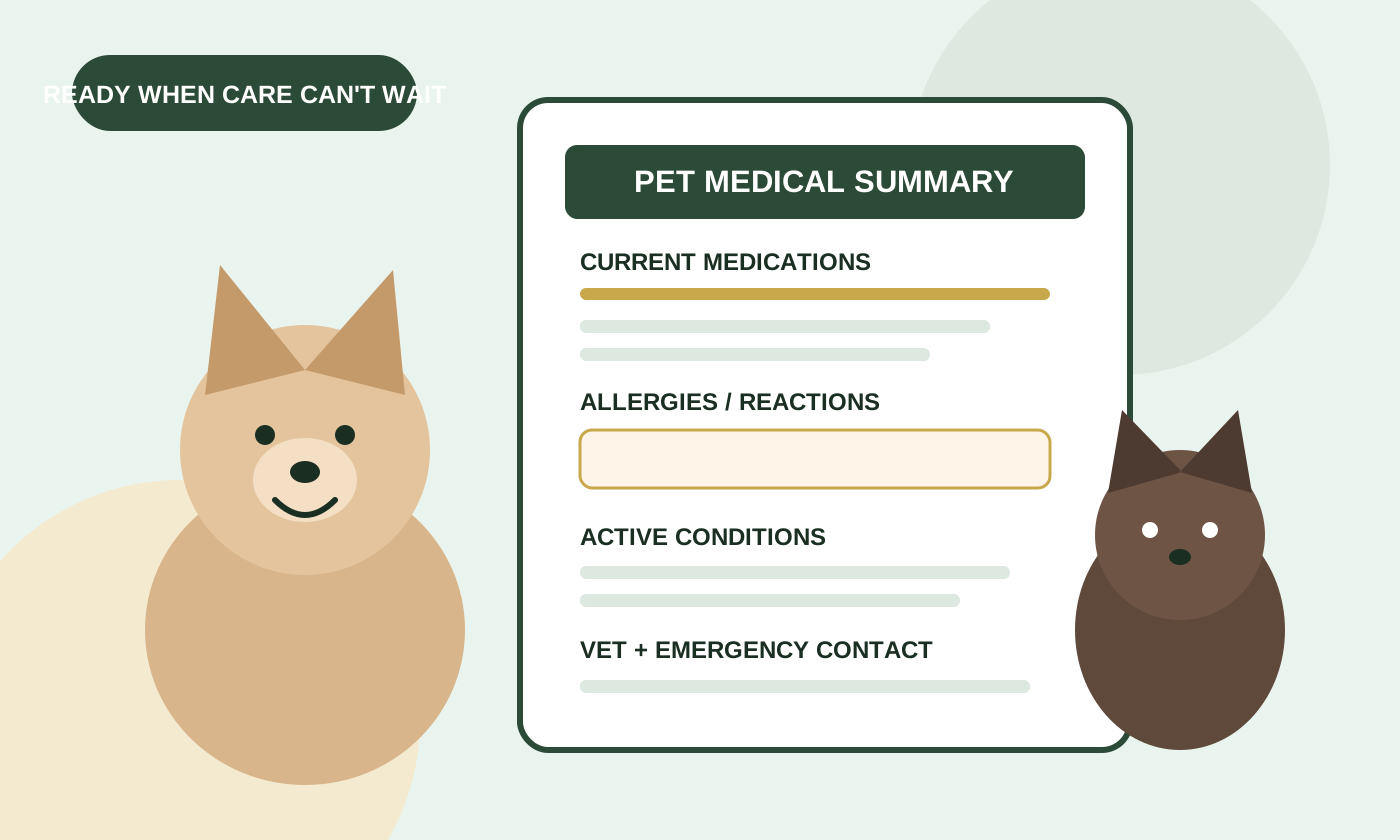
Direct answer: a pet medical summary for emergency or unfamiliar veterinary care should answer, at a glance: Who is this pet? What conditions matter now? What medications are being given? What allergies or previous drug problems exist? What important history could change treatment? And who can provide the complete record?
The CDC includes a medical summary, prescriptions, vaccination records and other veterinary documentation in its recommended pet disaster kit. FDA guidance also tells owners to bring a complete medication list to veterinary visits and to discuss drug allergies, previous medication problems and serious or chronic health conditions.
What belongs on a one-page pet medical summary?
| Section | Include | Why it helps |
|---|---|---|
| Pet identity | Name, species, breed/type, sex, date of birth or age, current weight, microchip number if known | Helps match the summary to the correct patient and provides basic context. |
| Owner & contacts | Your phone/email, regular veterinarian, relevant specialist and an emergency contact | Gives the treating team a path to you and the source record. |
| Current medications | Name, strength, dose/amount, frequency, route if relevant, reason for use | Medication errors and interactions are harder to prevent when the current regimen is incomplete. |
| Allergies & prior reactions | Known allergies plus drugs that caused a prior problem and what happened | FDA specifically advises owners to discuss medication allergies and previous problems with a new veterinarian. |
| Active conditions | Serious or chronic diagnoses and ongoing medical concerns | Changes the context in which new symptoms, tests and treatments are considered. |
| Important history | Major surgeries, hospitalizations or other history that remains medically relevant | Surfaces consequential history without forcing someone to reconstruct years of routine visits. |
| Vaccinations | Current vaccination status and supporting certificates/records | CDC recommends vaccination and rabies documentation in emergency records. |
The medication section deserves extra attention
Medication lists are easy to get almost right, which is not the same as right. FDA advises owners seeing a new veterinarian to keep and bring a list of everything the animal is taking, including prescription drugs, over-the-counter products and supplements. FDA also recommends discussing serious or chronic conditions and any medication allergies or previous problems.
For each current medication, copy information from the prescription label or veterinarian instructions rather than relying on memory. Include the medication name, strength or concentration, the amount actually given, how often it is given and the reason your pet takes it. If timing matters, note when the most recent dose was given.
Free to start — organize your pet's health history →
What not to put on the first page
More information is not automatically more useful. A years-long chronology of nail trims, routine invoices and every normal lab value can bury the facts that matter now.
- Do not copy every visit into the summary just because it exists.
- Do not guess at diagnoses, medication doses or dates. If uncertain, mark the information for verification.
- Do not replace precise medication instructions with shorthand such as “heart pill twice a day.”
- Do not delete older records merely because they are not on the summary. Keep the underlying record available.
- Do not assume a veterinarian can access another clinic's system immediately, especially after hours.
How to build the summary in 15 minutes
- Start with identity. Add the pet's identifying details and your current contact information.
- Put medications next. Read each current label and record the exact regimen. Add nonprescription products and supplements.
- List allergies and reactions. Separate a known allergy or adverse reaction from a medication that simply did not work.
- Add active diagnoses. Prioritize chronic and serious conditions that could affect treatment.
- Capture major history. Add surgeries, hospitalizations or other events that remain relevant.
- Check vaccines and identification. Keep the current rabies certificate and vaccination record accessible with the summary.
- Add source contacts. Include the regular clinic and any specialist most likely to hold important records.
- Read it like a stranger. Could someone who has never met your pet understand the essentials in under a minute?
When should the summary be updated?
Update it when the underlying facts change, not just on an arbitrary annual date. A new prescription, stopped medication, new diagnosis, newly identified drug reaction, surgery, vaccination, change of veterinarian, move or new phone number can make an old summary misleading.
A periodic review is still useful as a backstop. Compare the summary against current medication labels and the latest veterinary records, and remove medications that are no longer being given rather than leaving them ambiguously listed.
Digital, paper or both?
Both is the resilient choice. Digital records are easier to keep current and carry between clinics. A concise printed copy can still be useful if a phone is dead, damaged or inaccessible. CDC emergency-preparedness guidance recommends photocopied veterinary records in a waterproof container, while also emphasizing the importance of keeping medical and identification information ready.
If you print the summary, add a visible “updated” date. An undated medication list can create uncertainty about whether it describes today's regimen or last year's.
After an emergency visit: close the records loop
Your regular veterinarian may not have the emergency clinic's notes when you arrive for follow-up. Use this handoff checklist to keep the new information with your pet's existing history.
- Ask for the visit documents. Request the discharge summary, medication instructions and available test reports. Ask how any pending results will reach you and your regular clinic.
- Confirm the medication plan. Ask the treating veterinarian which medicines to continue, stop or change, and when the next doses are due. If the old list and new instructions differ, ask the clinic to resolve the difference rather than choosing a dose yourself. FDA recommends asking about dose, frequency and what to do after a missed dose.
- Send and confirm receipt. Check your regular clinic's preferred way to receive documents, send the visit records, then confirm they arrived. Use the Medical Records Transfer Checklist to track missing reports and clinic contacts.
- Refresh the summary and backup. Once the instructions are clear, update the medication list, relevant history and visible updated date. Keep earlier visit records in your pet health records folder, then replace the downloaded or printed summary in your travel bag.
FAQ
What is a pet medical summary?
It is a concise overview of the health information most useful to someone caring for your pet: identity, medications, allergies or prior drug reactions, active conditions, important history, vaccination status and key contacts. It does not replace the complete veterinary record.
Should I include supplements and over-the-counter products?
Yes. FDA advises owners to keep a list that includes over-the-counter products and supplements as well as prescription drugs and bring it to the veterinary office.
Should the summary include every past diagnosis?
No. Prioritize active, serious and chronically relevant conditions, plus past history that could still affect care. Keep the full record available separately.
Should I include my pet's microchip number?
It is useful identifying information, particularly in emergency and disaster records. CDC recommends keeping microchip information, including the number and registry/company details, in a pet disaster kit.
What if I do not know an exact medication dose?
Do not guess. Check the current prescription label or contact the prescribing veterinarian or pharmacy. Mark uncertain information as needing verification.
Can a medical summary replace calling my veterinarian?
No. It organizes history for communication; it does not diagnose, prescribe or replace veterinary care. FDA advises contacting a veterinarian or local emergency animal hospital for a veterinary emergency.
Primary sources
- FDA — Medication Errors Happen to Pets, Too
- FDA — Client Information Sheets: Take-Home Safety Knowledge
- CDC — Build a Pet Disaster Preparedness Kit
- CDC — Be Prepared: Pet Safety in Emergencies
Original source review: September 15, 2026. FDA medication-error guidance and the CDC preparedness-kit checklist rechecked October 18, 2026 for this update. This guide is for record organization and owner education, not diagnosis or treatment advice.
Your pet's health history belongs with you.
Organize medications, allergies, vaccines, vet visits and important documents before another clinic needs the story quickly. One app for every trip and every vet visit.
Start YourPetPass free →